

Overview
Mirobody can connect to external MCP servers, allowing your AI agents to access thousands of additional tools and resources. This enables capabilities like file system access, GitHub integration, database queries, and much more.The Model Context Protocol (MCP) is an open standard that enables AI assistants to securely connect to external data sources and tools. Learn more at modelcontextprotocol.io.
Adding an MCP Server
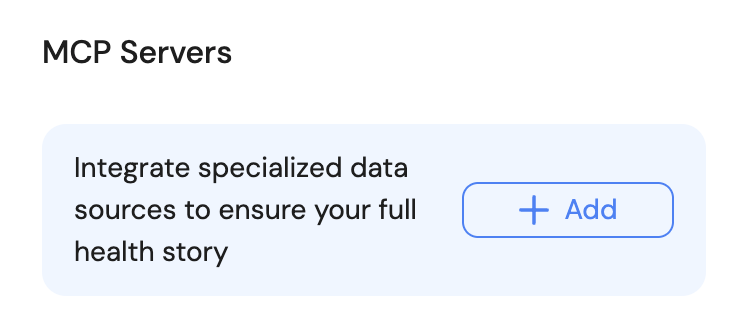
Adding custom MCPs to Mirobody is incredibly simple through the web interface.Navigate to the Drive page
Open your Mirobody web interface and go to the Drive page where you manage your MCP connections.
Configure MCP details
Fill in the MCP server configuration: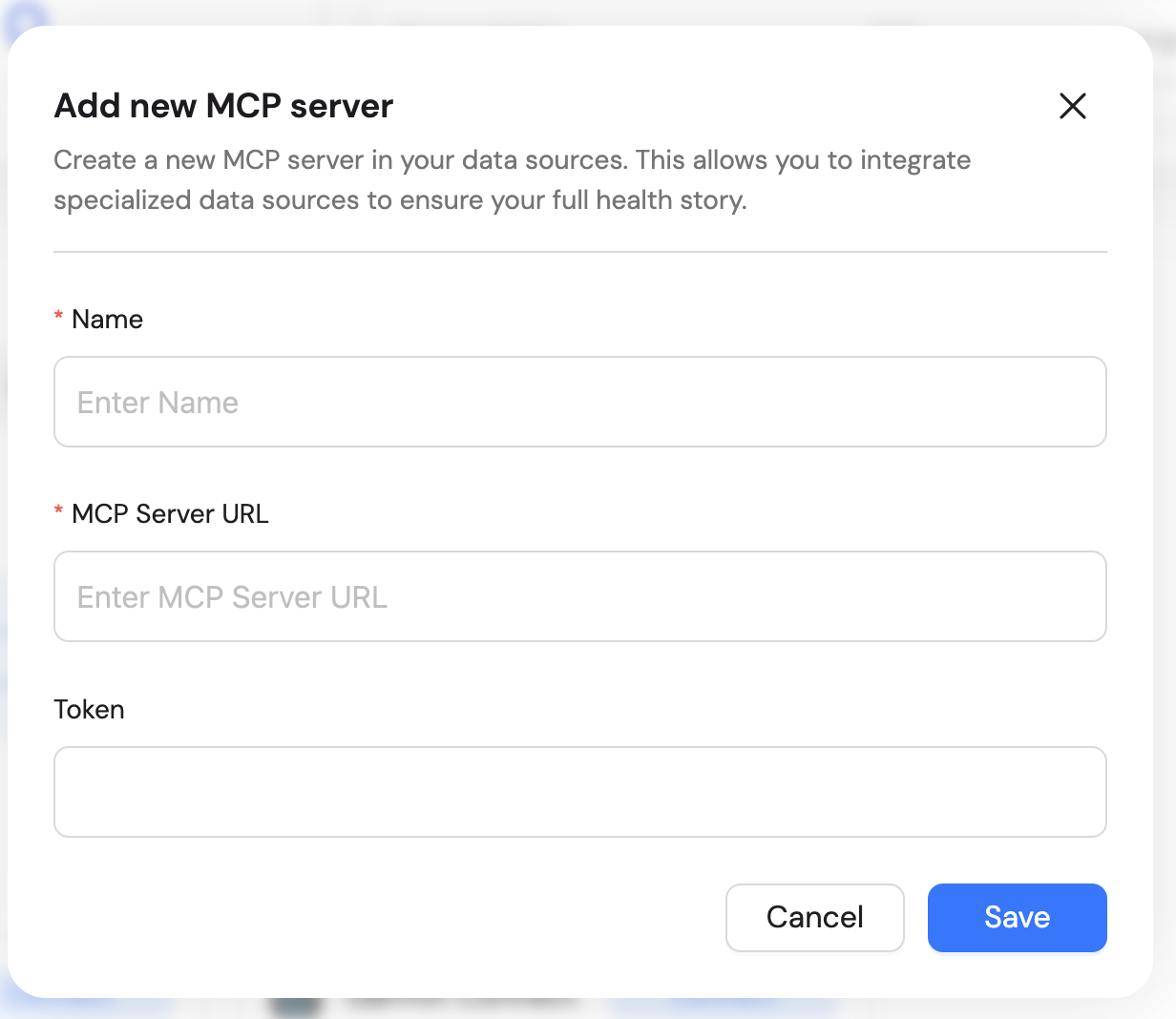
- Name: A friendly name for this MCP server
- MCP Server URL: The HTTP URL where your MCP server is accessible (e.g.,
https://your-domain.com/mcp) - Token (optional): Authentication token if your MCP server requires token-based authentication